The Story Behind SoifGo
SoifGo started as a personal project. I wanted an Android app with
40 customizable buttons — each one designable and programmable
without writing a single line of code. But over time, the limitations became clear.
No matter how many options I added, the app could never be flexible enough. I hit a wall.
Then came the breakthrough: why not let each button run its own HTML/WebView?
I defined callable interfaces (Subs) for the WebView, and suddenly SoifGo transformed into a
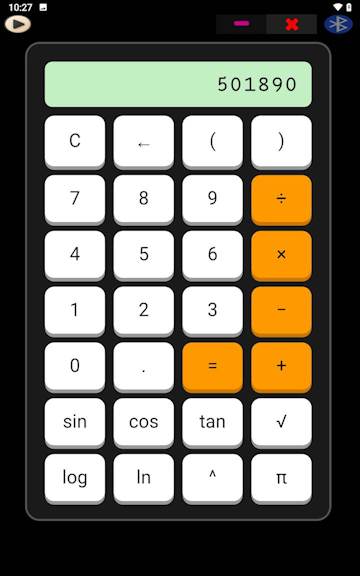
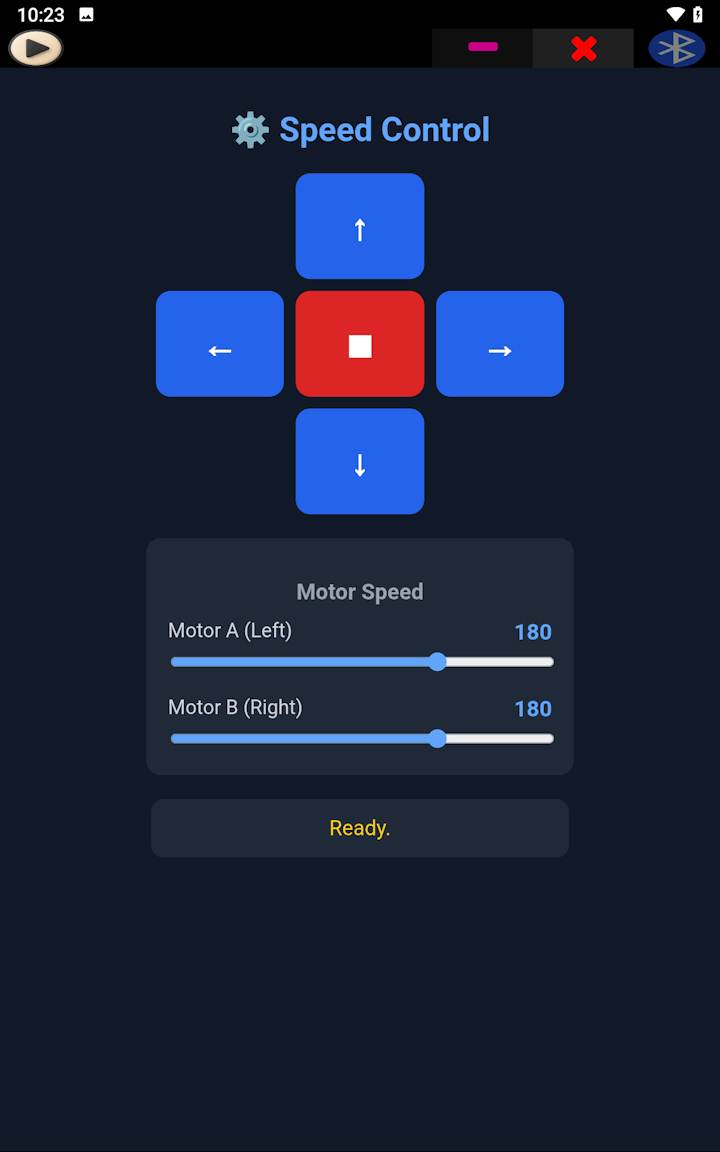
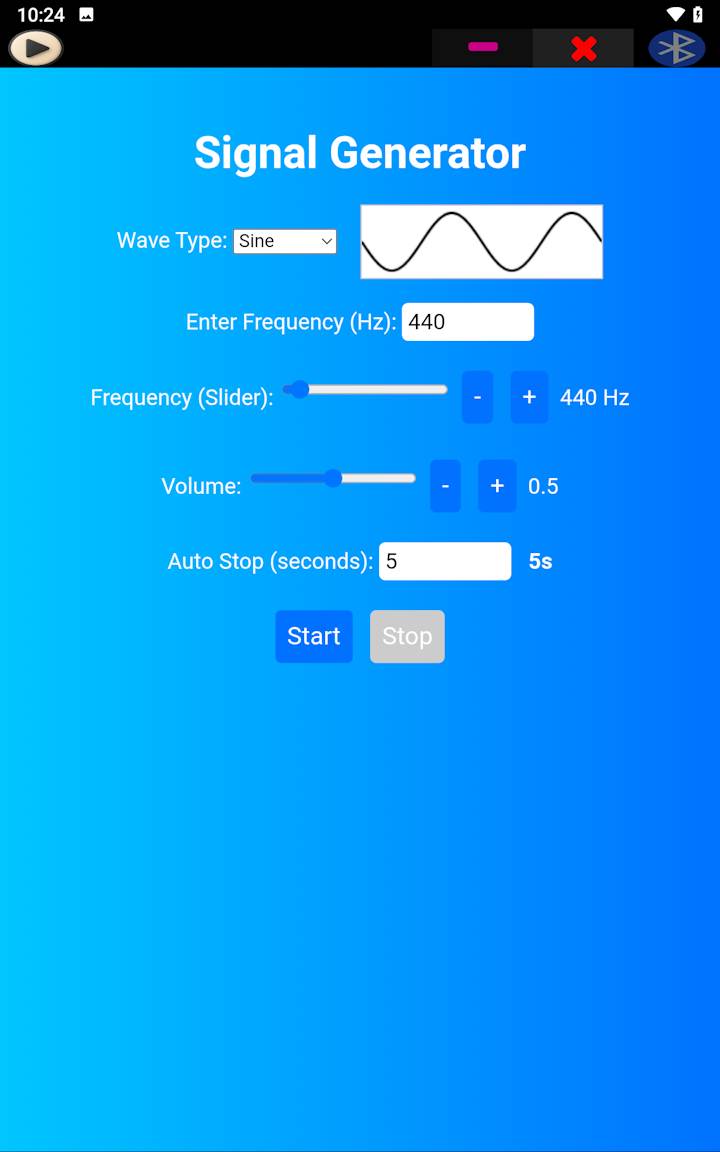
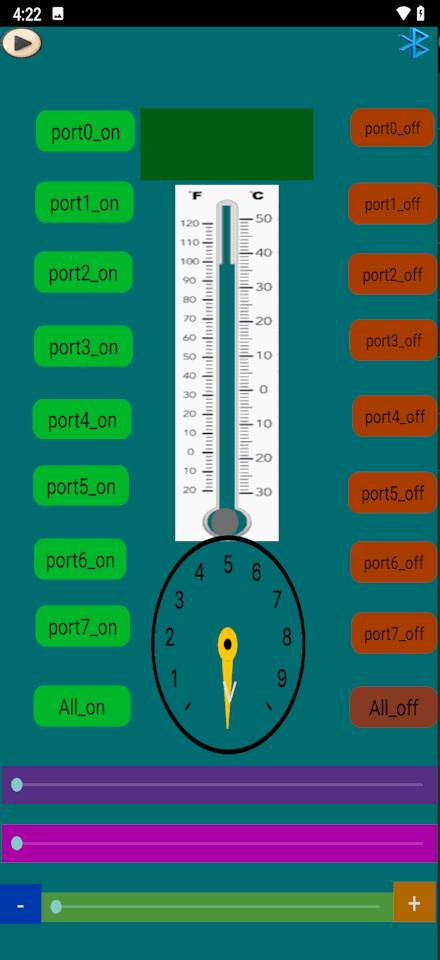
powerful mobile sandbox. Today, with WebView inside buttons, almost any design,
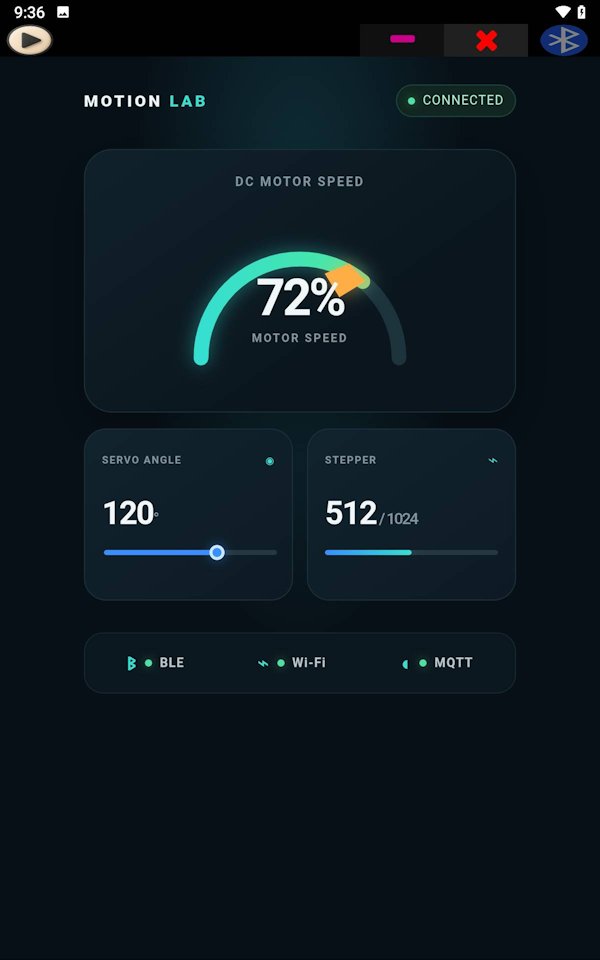
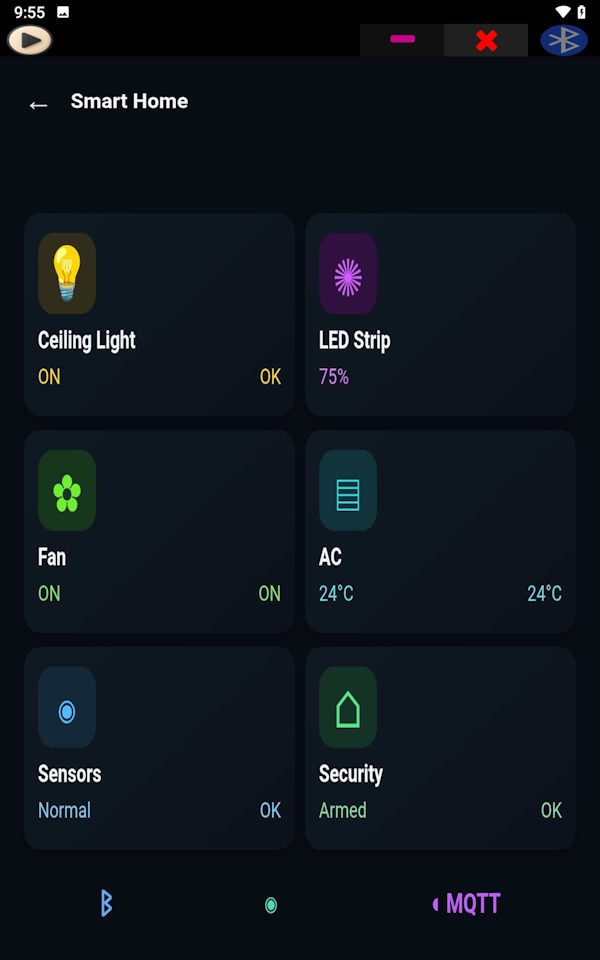
utility, or custom app (from hardware dashboards to custom web utilities) is possible.
Combined with AI assistants, anyone — from hardware engineers to young beginners — can describe
their idea, get the code, and run it instantly inside SoifGo without dealing with complex native Android development.
Why the name? Say it out loud: So… if you have an idea, go.
That is the whole point of SoifGo (So·If·Go): an idea is enough to start.
A happy accident: in French, soif means “thirst” — a thirst to build.
🌉 SoifGo is your ultimate mobile sandbox and bridge to custom apps.
What is SoifGo?
SoifGo is an Android-based hardware control and application
platform designed for makers, embedded developers, students,
engineers and IoT builders.
Instead of creating a complete native Android application,
users can build interfaces with HTML, CSS and JavaScript
and run them directly inside SoifGo through an integrated
WebView bridge.
The platform supports Bluetooth communication, MQTT messaging,
HTTP APIs, local storage, phone sensors, speech recognition,
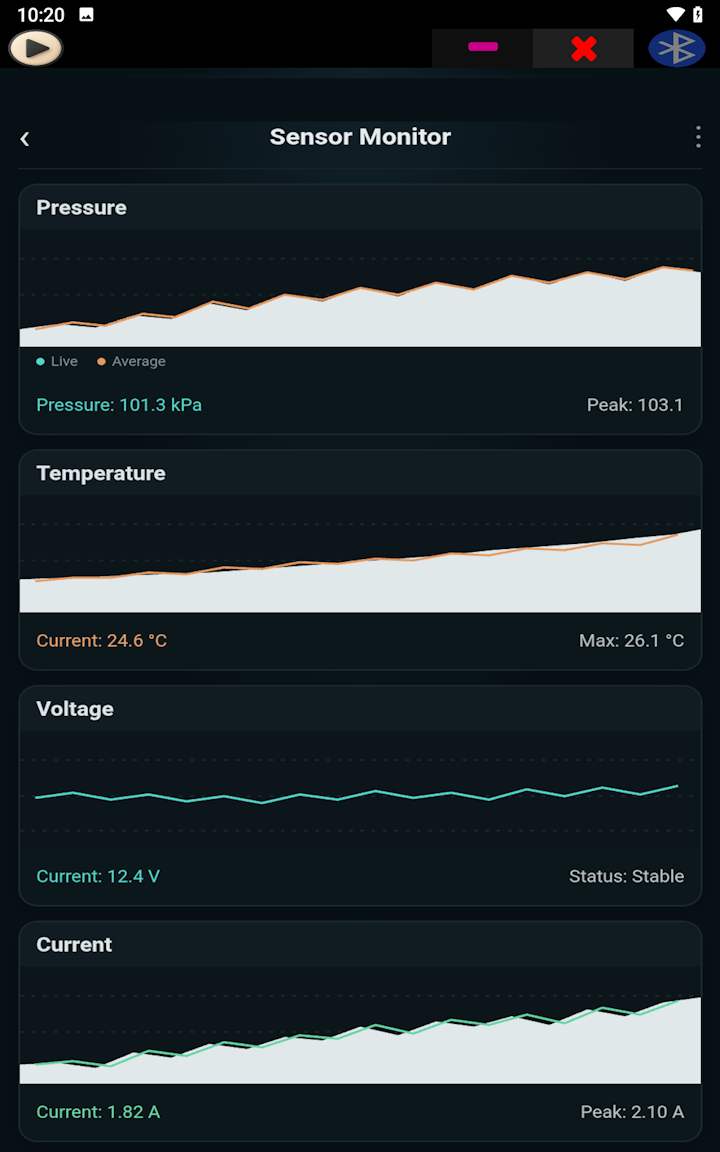
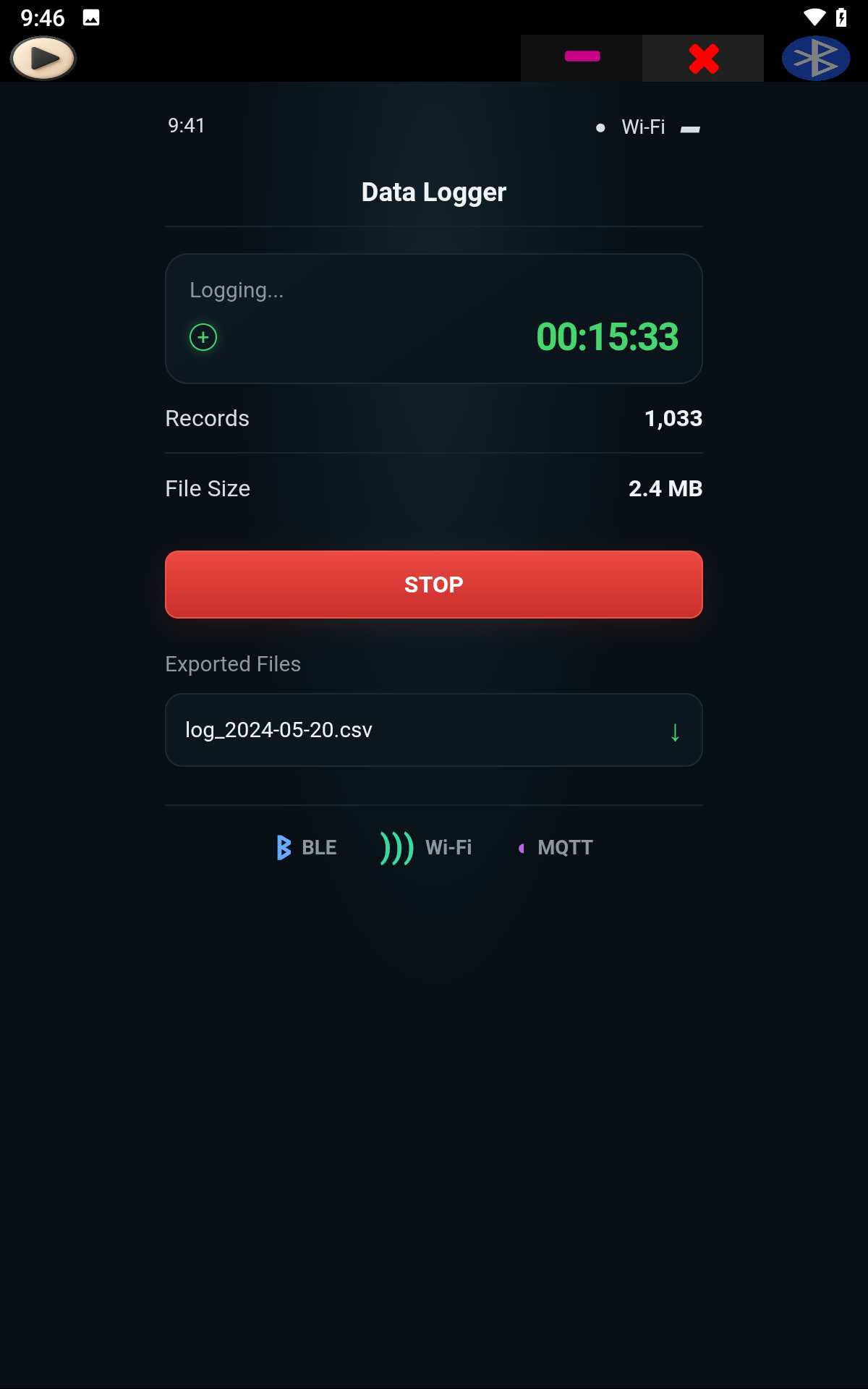
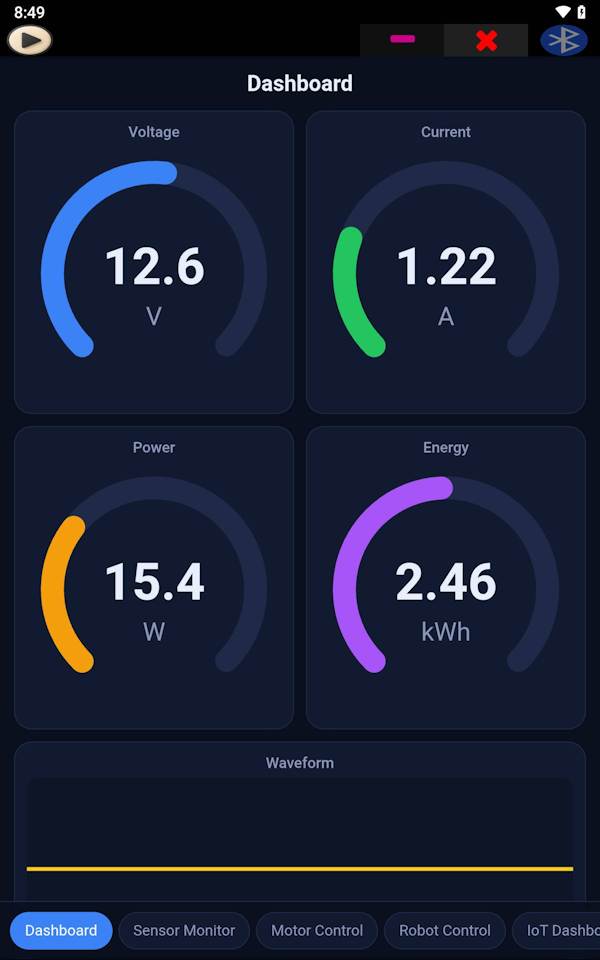
data visualization, dashboards and custom automation tools.
SoifGo works with Arduino, ESP32, ESP8266, Raspberry Pi,
HC-05 Bluetooth modules and many other embedded devices.
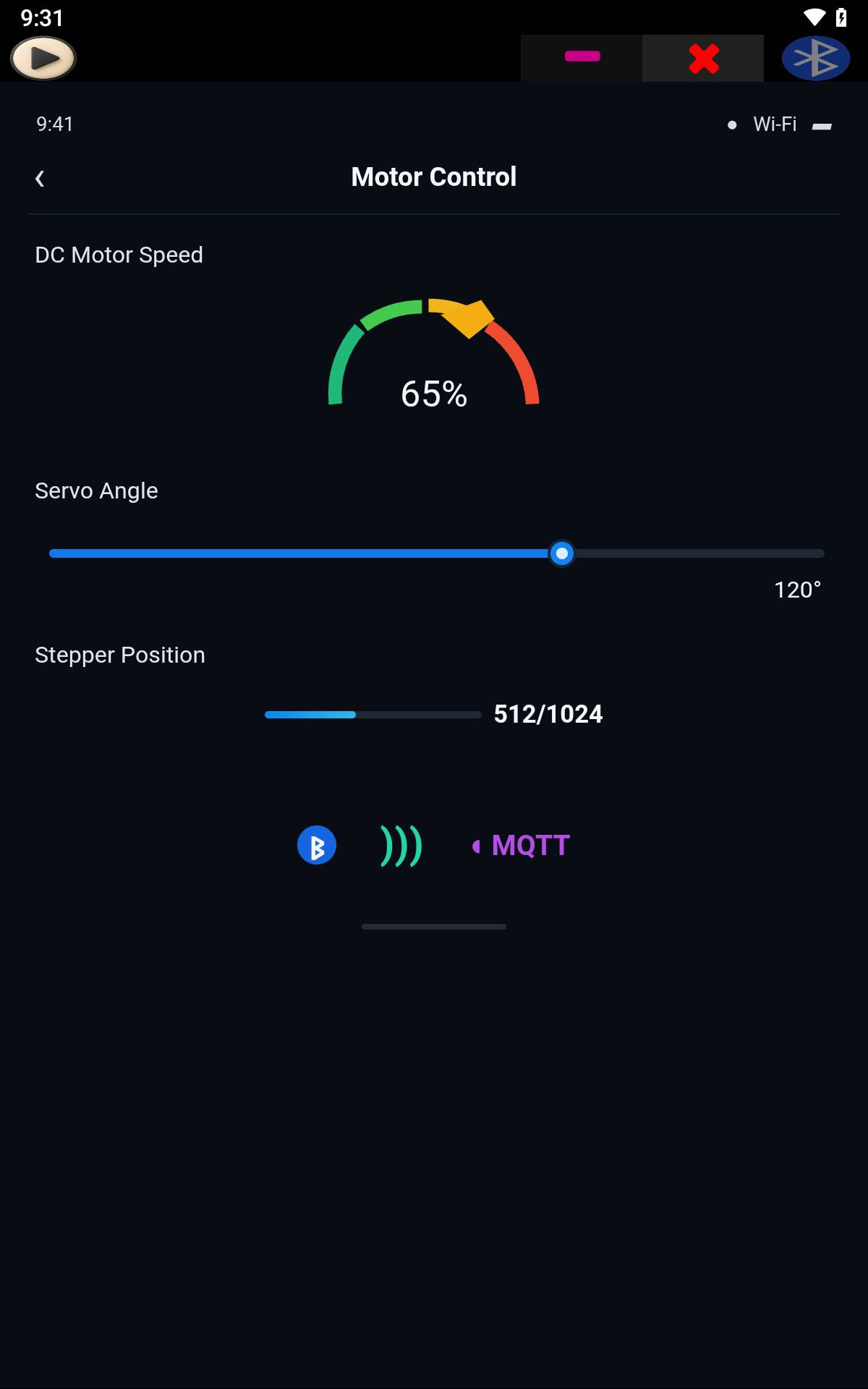
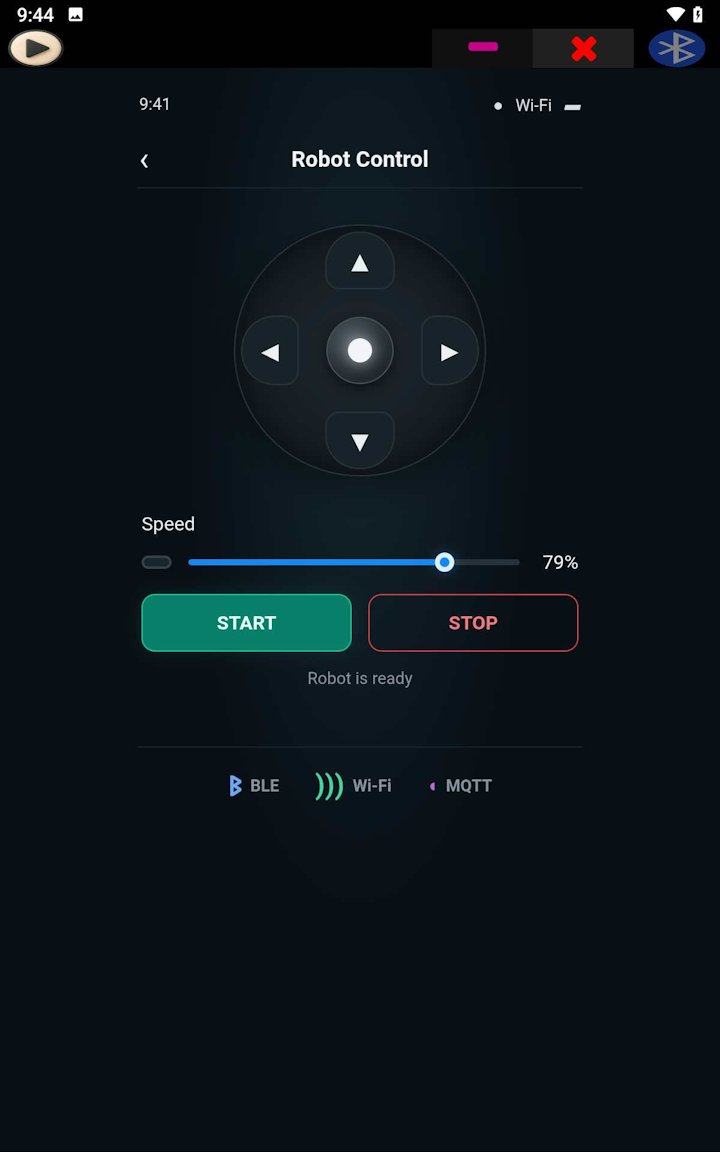
Projects can range from simple LED controllers and robot
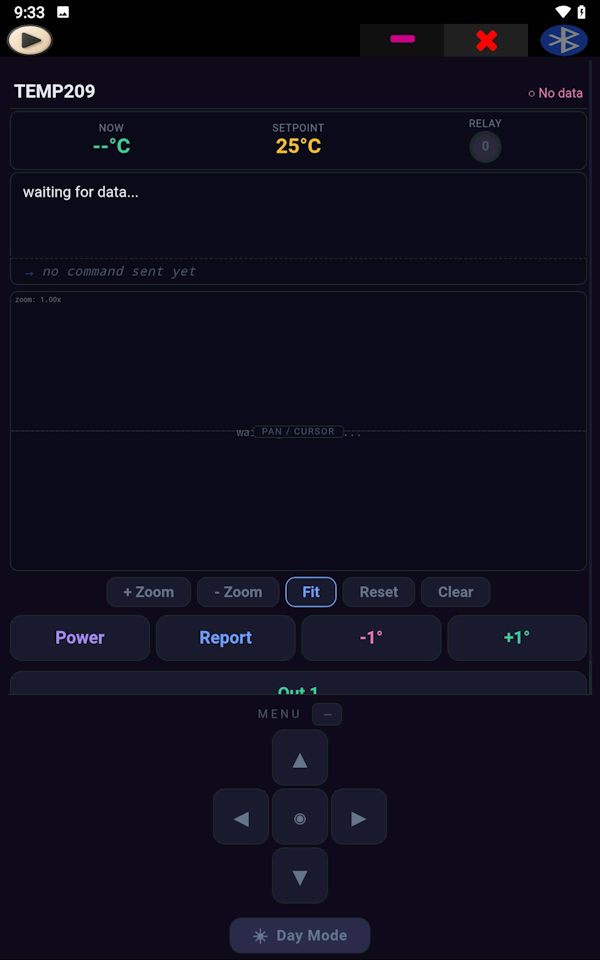
interfaces to industrial dashboards, environmental monitoring
systems, IoT control panels and embedded data visualization
tools.
Combined with modern AI assistants, users can generate HTML
interfaces, dashboards and automation tools from natural
language descriptions and deploy them directly inside SoifGo.
What's inside the WebView? (Full Capability Map)
Every SoifGo project runs inside a WebView that exposes a native bridge
called window.soifgo. Through this bridge, your HTML page
can talk directly to hardware — no native Android code required.
Here is the complete list of what your HTML/JavaScript can access.
⚠️ Reminder:
The bridge only exists inside SoifGo. In a normal browser,
window.soifgo is undefined.
Always guard with if (window.soifgo) { ... }.
1. Capabilities you can call from HTML
Capability
Bridge call
🔵
Bluetooth Serial
Send / receive text with HC-05, HC-06, JDY-31, Arduino, ESP32, ESP8266, Raspberry Pi.
html_bluetooth_rx
🟢
Light Sensor
Real-time ambient light value streamed from the phone.
sensor_light
🟢
Motion Sensor
X and Y accelerometer axes, streamed continuously.
sensor_move
🟢
Magnetometer
Magnetic field value from the phone's compass sensor.
sensor_magno
🎤
Microphone + Speech
Request mic permission, then use sound metering and speech-to-text in more languages.
request_mic_perm
🟣
MQTT Client
Connect to any broker (tcp:// or ssl://), publish, subscribe, disconnect, check status.
connecte_mqtt_ai
connecte_mqtt_up
mqtt_publish
mqtt_Disconnect
mqtt_status
🟠
HTTP API
POST JSON to any endpoint, GET and extract a key from a JSON response.
api_send
api_recive
💾
Local Storage
Persistent localStorage across reloads and WebView restarts.
localStorage
🪟
Native Dialogs
alert(), confirm(), prompt() render as native Android dialogs.
alert / confirm / prompt
Bridge rule: window.soifgo.CallSub('subName', true, arg1, arg2, arg3) —
the second argument is always a boolean, and you can pass up to 3 arguments after it.
Empty strings must still be passed as ''.
2. Data you can receive from hardware
SoifGo calls these functions on your page when data arrives.
You must register them on window.
Receiver
Register as
🔵
html_bluetooth_tx(data)Bluetooth data arrives.
window.html_bluetooth_tx = fn;
🟢
html_sensor_light(data)Light value arrives.
window.html_sensor_light = fn;
🟢
html_sensor_movex(data)X-axis value arrives.
window.html_sensor_movex = fn;
🟢
html_sensor_movey(data)Y-axis value arrives.
window.html_sensor_movey = fn;
🟢
html_sensor_magno(data)Magnetic value arrives.
window.html_sensor_magno = fn;
🟣
mqtt_rx(topic, message)MQTT message arrives on a subscribed topic.
window.mqtt_rx = fn;
🟣
html_mqtt_status(connected)Status reply arrives ('true'/'false' as string).
window.html_mqtt_status = fn;
🟠
api_rx(number)API response arrives (plain value or wrapped map).
window.api_rx = fn;
⚠️ Important: html_mqtt_status receives
'true'/'false' as a string, not a boolean.
'false' (the string) is truthy in JavaScript — always compare with
=== 'true'.
3. Real-world combinations you can build on one page
🔗
Bluetooth + MQTT bridge
Read data from an Arduino over Bluetooth, publish it to an MQTT broker,
and display the topic feed on the same HTML page.
📈
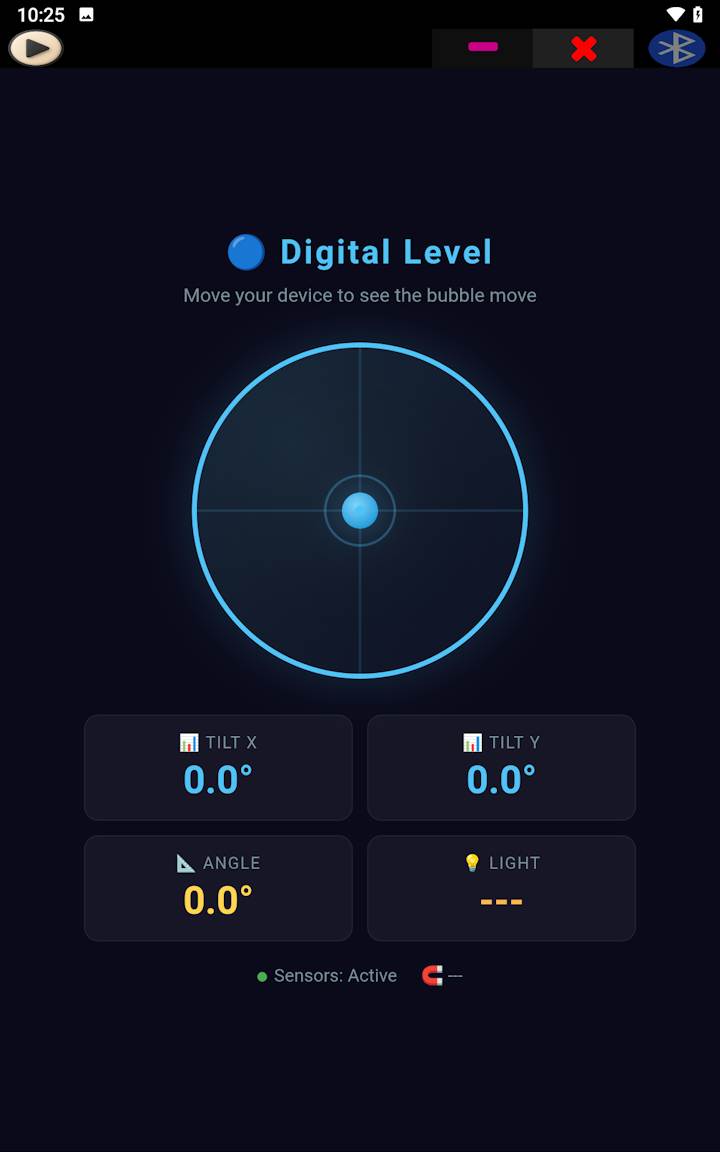
Sensor dashboard
Stream light + motion + magnetometer, draw live charts with
<canvas> or SVG, and log to localStorage.
🌐
Crypto / API ticker
Poll a REST API with api_recive, parse the JSON,
and update a price display with a Stop button.
🤖
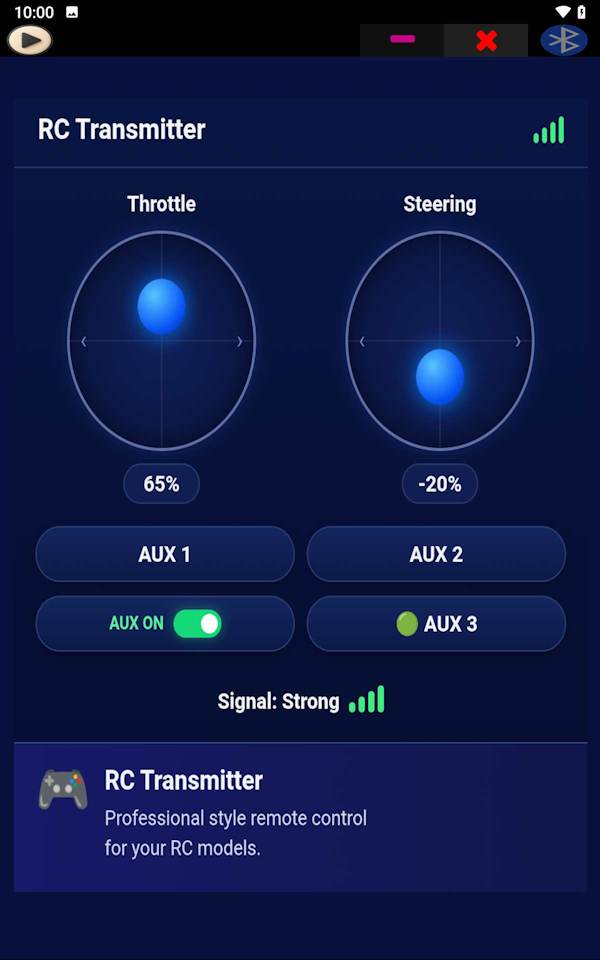
Robot control panel
Send motor commands via Bluetooth, receive telemetry via MQTT,
and show a live status with animated gauges.
🎙️
Voice-controlled device
Capture speech in more languages, convert to text, send it
over Bluetooth or MQTT to a microcontroller.
🏭
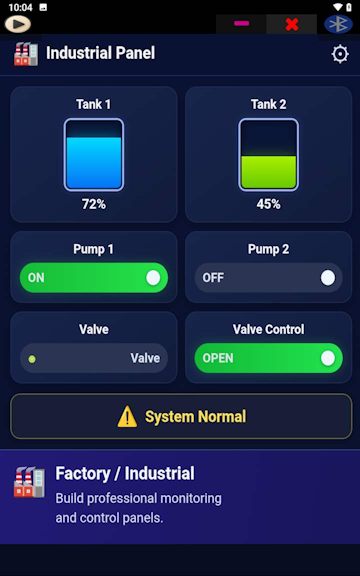
Industrial HMI
Combine API, MQTT, sensors, and local storage into a single
offline-capable control panel that runs on any Android phone.
4. Two ways to build — Classic Mode vs WebView Mode
🧩
Classic Mode
Native buttons and sliders. Each button has a behavior
(Send, Receive, Note, PDF, Image, Open X, Reload, WebView,
Sound, Click, Vibration). No HTML needed.
🌐
WebView Mode
Each button hosts its own HTML page. Full HTML/CSS/JS control,
access to window.soifgo, Bluetooth, MQTT, sensors,
APIs and storage. Best for complex dashboards.
5. Beyond SoifGo — What the WebView itself already gives you
SoifGo's bridge is only half the story. The WebView that hosts your page is
a full modern browser engine (Chromium-based on Android). Everything that works
in Chrome on a desktop also works inside SoifGo — no bridge required, no plugins, no native code.
This is what makes the "mobile sandbox" idea so powerful.
Built-in Web Platform Capability
What it unlocks
🎨
HTML5 + CSS3 (Flexbox, Grid, Animations)
Full layout engine, transitions, keyframes, transforms, filters, gradients, custom properties.
CSS Grid / Flexbox
⚡
JavaScript ES2024+
Async/await, modules, classes, generators, destructuring, optional chaining, all modern syntax.
ES2024+
📊
Canvas 2D
Draw charts, gauges, graphs, animations, image manipulation, pixel-perfect rendering.
<canvas>.getContext('2d')
🧊
WebGL / WebGL2
Hardware-accelerated 3D graphics. Games, 3D dashboards, CAD viewers, data visualization.
canvas.getContext('webgl2')
📐
SVG
Scalable vector graphics — perfect for gauges, meters, icons, and resolution-independent UI.
<svg>
🖼️
Web Fonts
Any Google Font or custom font. Full typographic control.
@font-face
🎬
Video + Audio (HTML5)
Play MP4, WebM, MP3, OGG. Custom players, sound effects, media dashboards.
<video> / <audio>
📦
Any JavaScript Library
Chart.js, D3.js, Three.js, Babylon.js, TensorFlow.js, Anime.js, and thousands more — just import and use.
<script src="cdn...">
🧩
Web Workers
Run heavy computation in background threads without freezing the UI.
new Worker('...')
💾
IndexedDB / Cache API
Large-scale offline storage, caching assets for fast reload, PWA-style experiences.
indexedDB / caches
📡
Fetch API / XMLHttpRequest
Direct HTTP requests from JavaScript (in addition to SoifGo's native api_send).
fetch()
🔊
Web Audio API
Generate tones, process sound, build synthesizers, analyze audio streams.
AudioContext
🎮
Gamepad API
Connect Bluetooth/USB game controllers for games and robot control.
navigator.getGamepads()
📱
Touch + Pointer Events
Multi-touch gestures, pinch, swipe, drag — perfect for control panels.
touchstart / pointermove
🌐
CSS 3D Transforms
Perspective, rotateX/Y/Z, translateZ — 3D effects without WebGL.
transform: rotate3d()
💡 The Big Idea:
SoifGo's bridge gives you hardware access (Bluetooth, MQTT, sensors).
The WebView gives you the entire modern web platform (3D, games, charts, media, offline storage).
Combine both and you can build a fully custom dashboard, a 3D robot controller,
an IoT game, or a data visualization tool — all inside one HTML page, running on Android.
🚀
What this means in practice
🎮
2D / 3D Games
Build games with Canvas 2D, Three.js, or Babylon.js. Connect a Bluetooth
gamepad, send scores over MQTT, display a leaderboard.
📈
Real-time Dashboards
Use Chart.js or D3.js to visualize Bluetooth sensor data, MQTT streams,
and API responses — all in one live view.
🏭
3D Digital Twin
Render a 3D model of your machine with Three.js, color it based on live
sensor values, and control it via MQTT.
🔬
Scientific Tools
FFT audio analysis, image processing, matrix math, TensorFlow.js ML —
all running locally on the phone.