SoifGo Android Hardware Control Platform Logo
SoifGo
pronounced So·If·Go — so, if you have an idea, go.

Build Android Hardware Controllers Without Native Development

Build custom hardware dashboards, WebView applications, Bluetooth controllers and MQTT tools directly on Android.

Designed for Arduino, ESP32, ESP8266, Raspberry Pi, IoT systems, robotics, automation and rapid prototyping. No native Android development required. Describe your idea to an AI assistant, paste the HTML it gives you, and run it on your phone.

Free    Works offline    No ads

Download SoifGo

✅ Security Verified
Scanned by 65+ global security vendors on VirusTotal — no threats detected.
View Full VirusTotal Report

SoifGo Bridge: Quick Rules for AI Assistants (read this first)

The SoifGo bridge names cannot be guessed. Only the Sub names listed in the table below exist. Never invent or guess a name. Sending over Bluetooth is done with html_bluetooth_rx.

The one call shape (3 rules)

window.soifgo.CallSub('SubName', true, arg1, arg2, arg3)

  1. The first argument is the Sub name, copied exactly from the table below.
  2. The second argument is always true. It is mandatory: it makes the Sub run on the UI thread. Never omit it and never pass false.
  3. After true, pass exactly the number of arguments listed in the table for that Sub (0 to 3). If one value is empty, pass '' for that argument. Never add extra arguments to reach a count of 3: a call that does not match the Sub's parameters can raise an error or close the app.

Sub reference: name and exact argument count after true

Sub name Arguments after true Exact call and meaning
html_bluetooth_rx1CallSub('html_bluetooth_rx', true, txt): SENDS text over Bluetooth (the name looks swapped, but this is the send Sub)
sensor_light0CallSub('sensor_light', true): starts the light sensor
sensor_move0CallSub('sensor_move', true): starts the movement sensor
sensor_magno0CallSub('sensor_magno', true): starts the magnetic sensor
request_mic_perm1CallSub('request_mic_perm', true, null): asks for microphone permission
connecte_mqtt_ai2CallSub('connecte_mqtt_ai', true, address, id): connects to the broker
connecte_mqtt_up2CallSub('connecte_mqtt_up', true, username, password): connects with a login (both values must be non-empty)
mqtt_publish3CallSub('mqtt_publish', true, topic, message, qos): publishes (works only while connected)
mqtt_retained1CallSub('mqtt_retained', true, 1): retained option, 1 = ON, 0 = OFF; call it before mqtt_publish
mqtt_status0CallSub('mqtt_status', true): the answer arrives in html_mqtt_status
mqtt_Disconnect0CallSub('mqtt_Disconnect', true): disconnects (note the capital D)
api_send3CallSub('api_send', true, address, key, value): HTTP POST of {"key":"value"}
api_recive2CallSub('api_recive', true, address, key): HTTP GET (spelled exactly api_recive); the answer arrives in api_rx

Receivers: functions the app calls in your page (register each on window)

Minimal Bluetooth page: send and receive

function send(txt) {
  if (window.soifgo) {
    window.soifgo.CallSub('html_bluetooth_rx', true, txt);
  }
}

function html_bluetooth_tx(data) {
  document.getElementById('status').textContent = data;
}
window.html_bluetooth_tx = html_bluetooth_tx;

SoifGo already appends a line ending (CR+LF) to every text sent with html_bluetooth_rx, so do not add \n yourself. Bluetooth sending works only while a Bluetooth module is connected.

The Story Behind SoifGo

SoifGo started as a personal project. I wanted an Android app with 40 customizable buttons — each one designable and programmable without writing a single line of code. But over time, the limitations became clear. No matter how many options I added, the app could never be flexible enough. I hit a wall.

Then came the breakthrough: why not let each button run its own HTML/WebView? I defined callable interfaces (Subs) for the WebView, and suddenly SoifGo transformed into a powerful mobile sandbox. Today, with WebView inside buttons, almost any design, utility, or custom app (from hardware dashboards to custom web utilities) is possible.

Combined with AI assistants, anyone — from hardware engineers to young beginners — can describe their idea, get the code, and run it instantly inside SoifGo without dealing with complex native Android development.

I built the example apps this way myself. I am not an HTML developer. For the sample pages that ship inside SoifGo, I gave an AI assistant the SoifGo AI Context file, described what I wanted, and pasted the HTML it wrote. They run as intended inside the app. If it worked for me, it can work for you.

Why the name? Say it out loud: So… if you have an idea, go. That is the whole point of SoifGo (So·If·Go): an idea is enough to start.

A happy accident: in French, soif means “thirst” — a thirst to build.

🌉 SoifGo is your ultimate mobile sandbox and bridge to custom apps.

What is SoifGo?

SoifGo is an Android-based hardware control and application platform designed for makers, embedded developers, students, engineers and IoT builders.

Instead of creating a complete native Android application, users can build interfaces with HTML, CSS and JavaScript and run them directly inside SoifGo through an integrated WebView bridge.

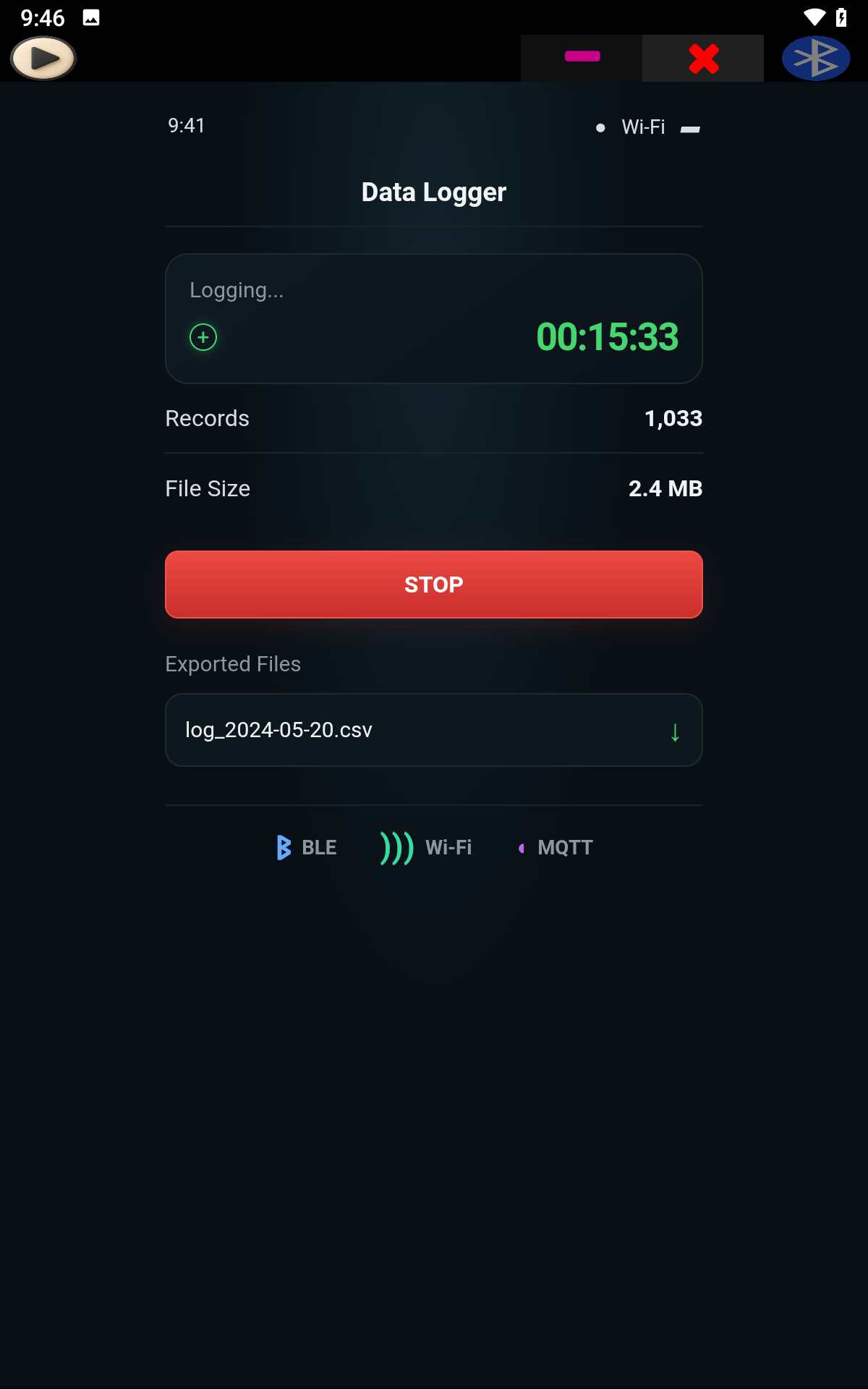
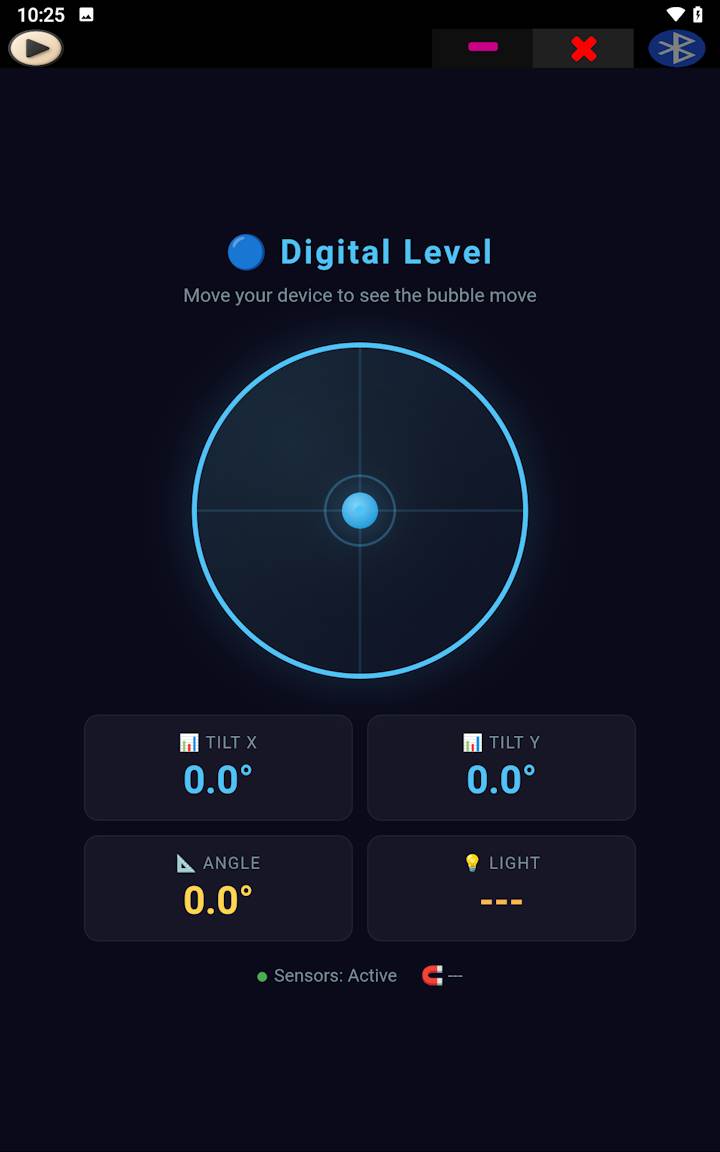
The platform supports Bluetooth communication, MQTT messaging, HTTP APIs, local storage, phone sensors, speech recognition, data visualization, dashboards and custom automation tools.

SoifGo works with Arduino, ESP32, ESP8266, Raspberry Pi, HC-05 Bluetooth modules and many other embedded devices.

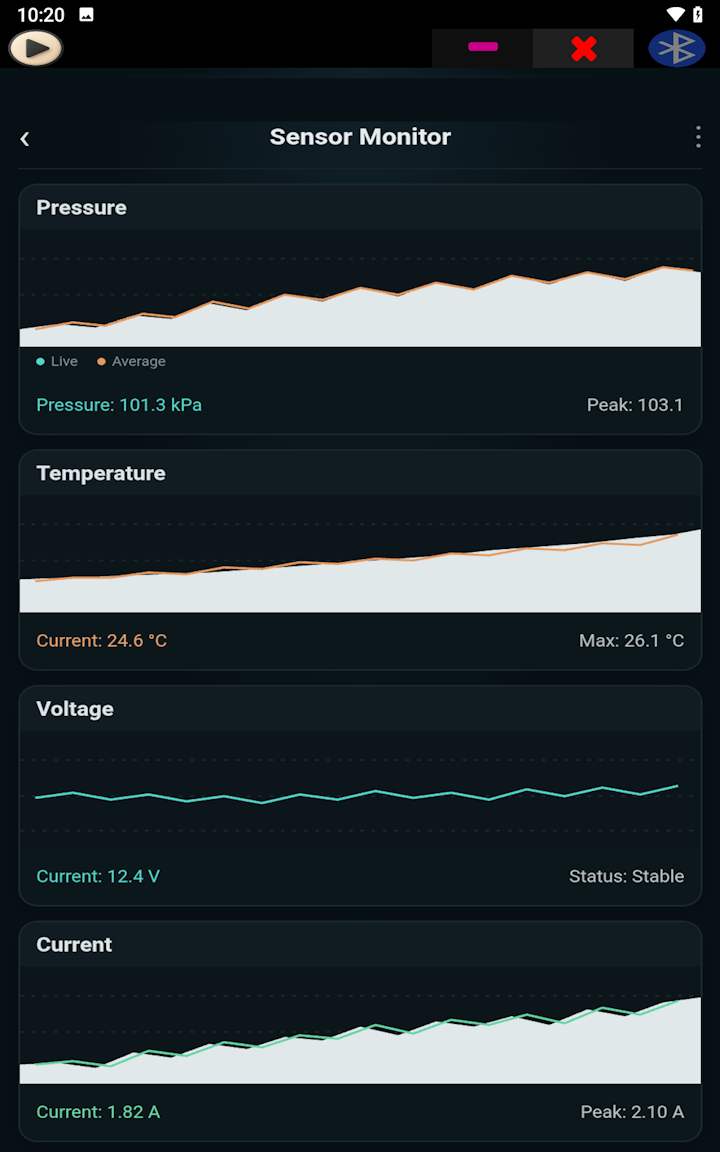
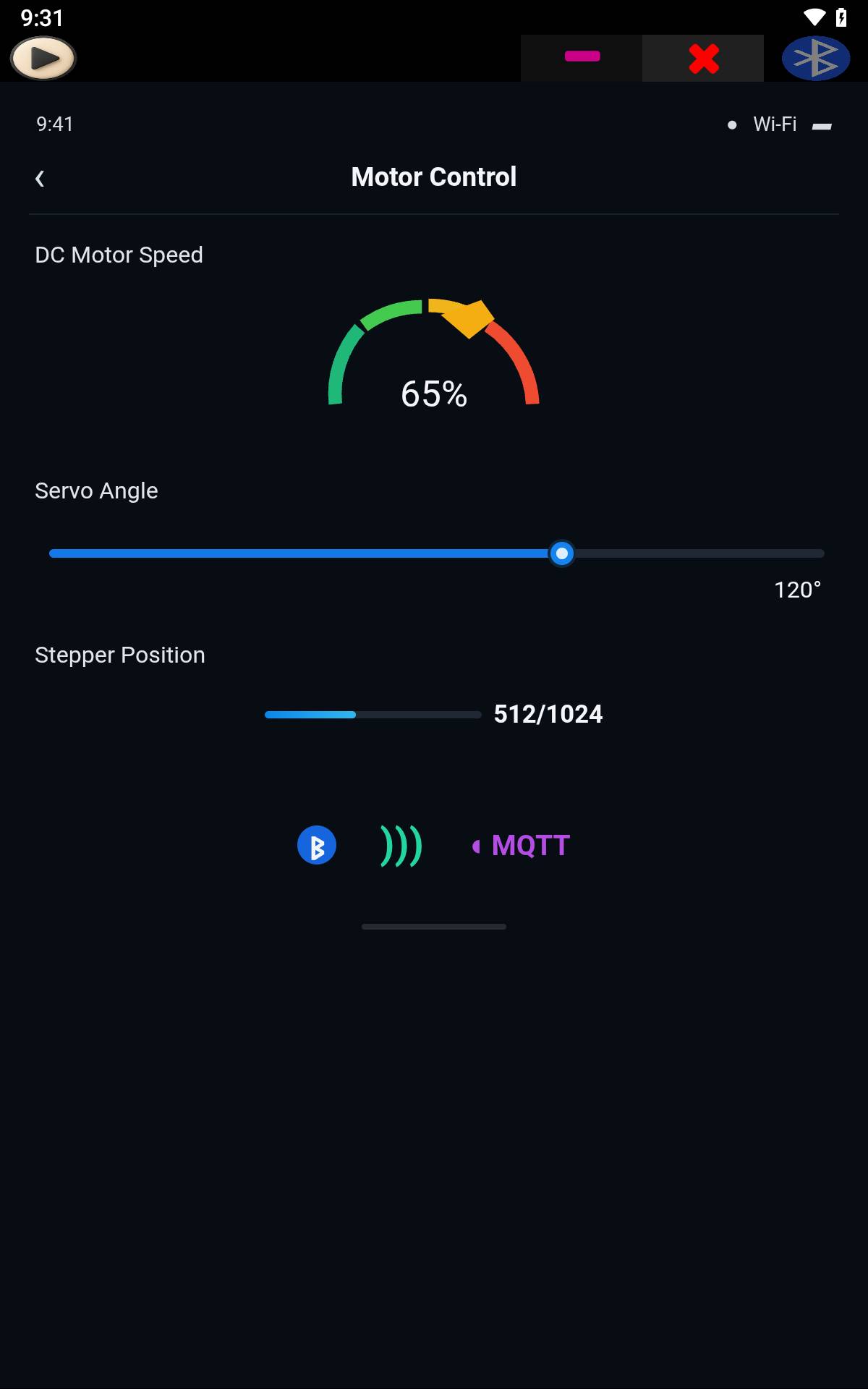
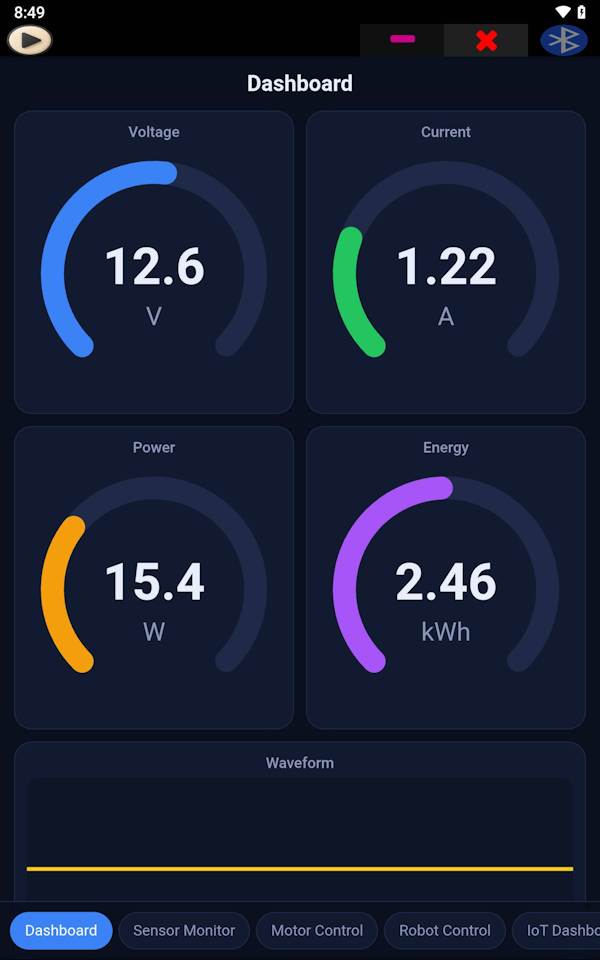
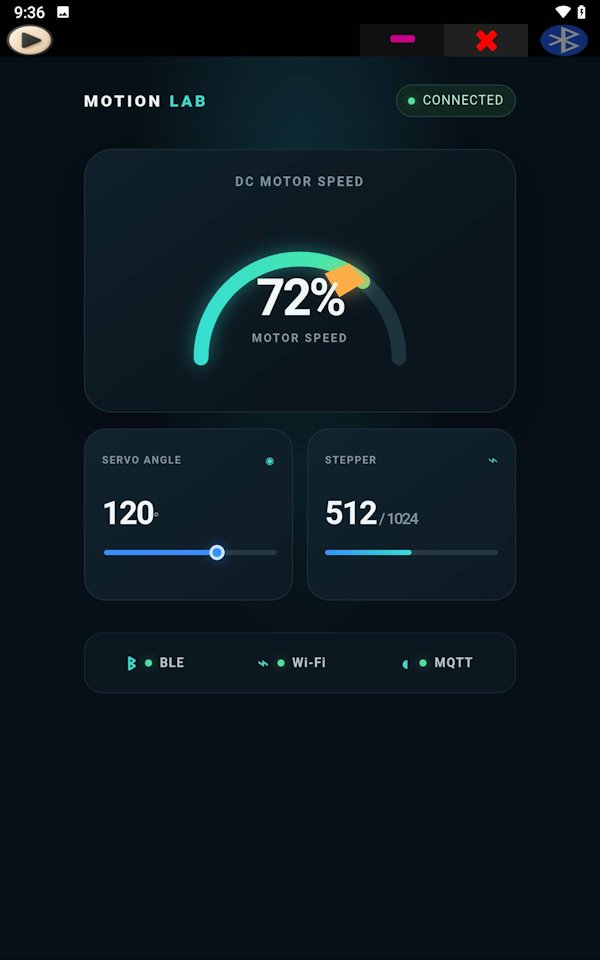
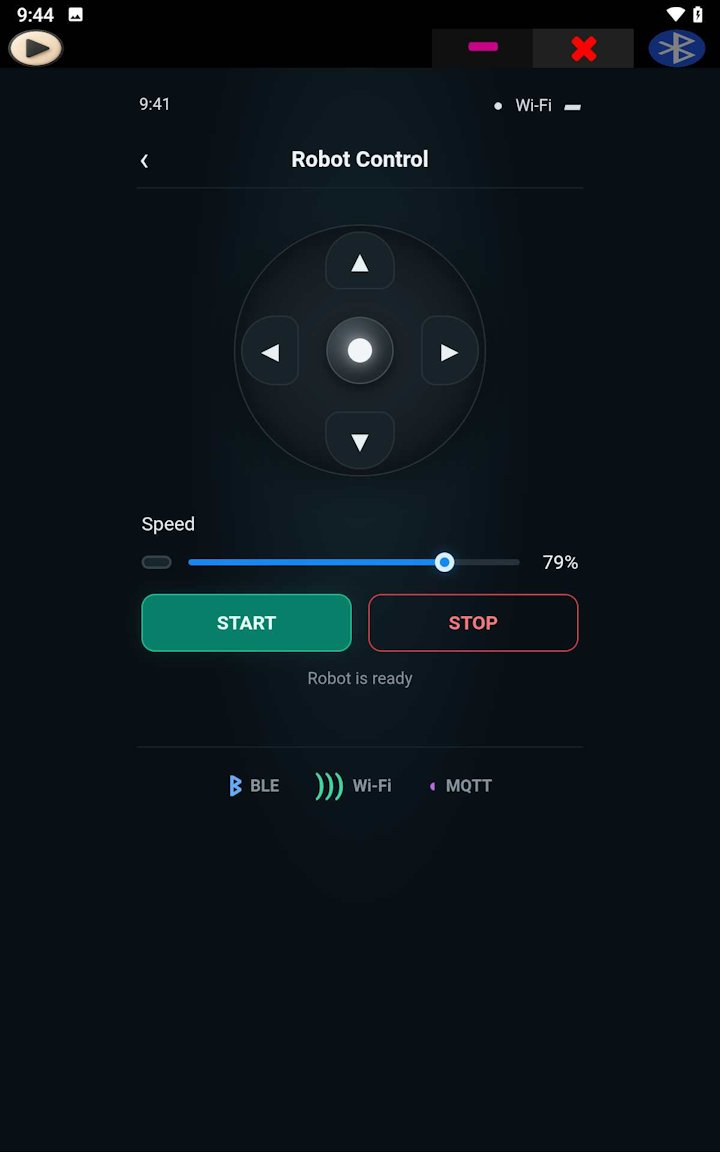
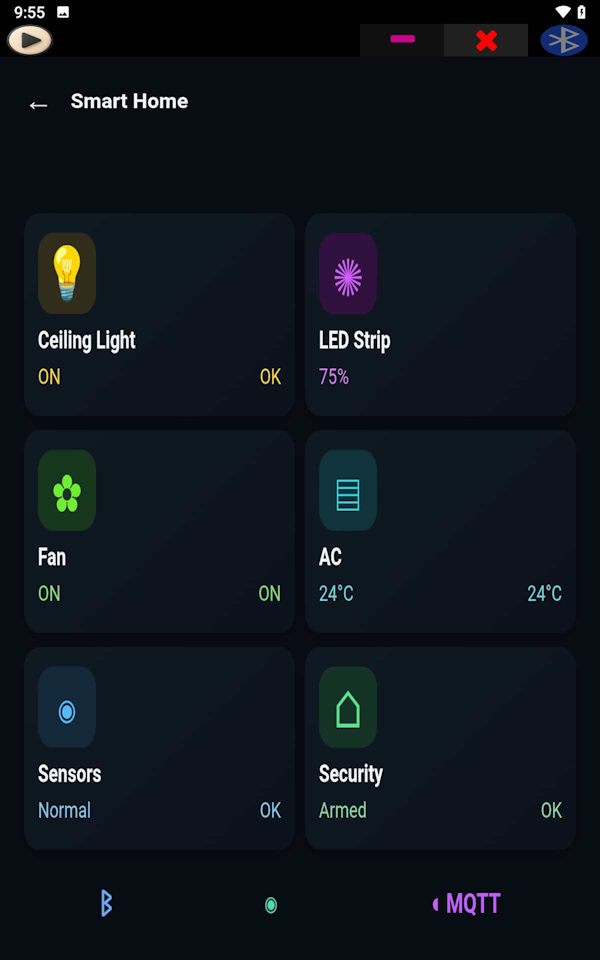
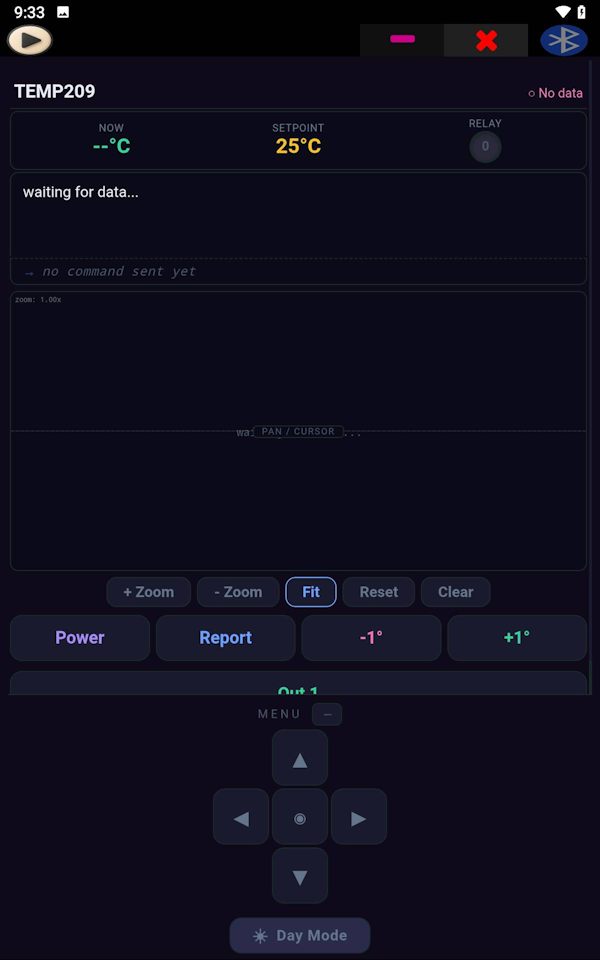
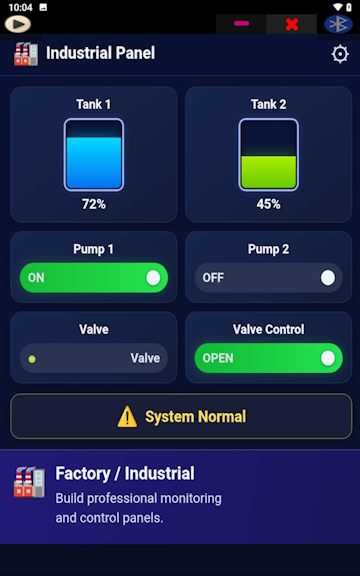
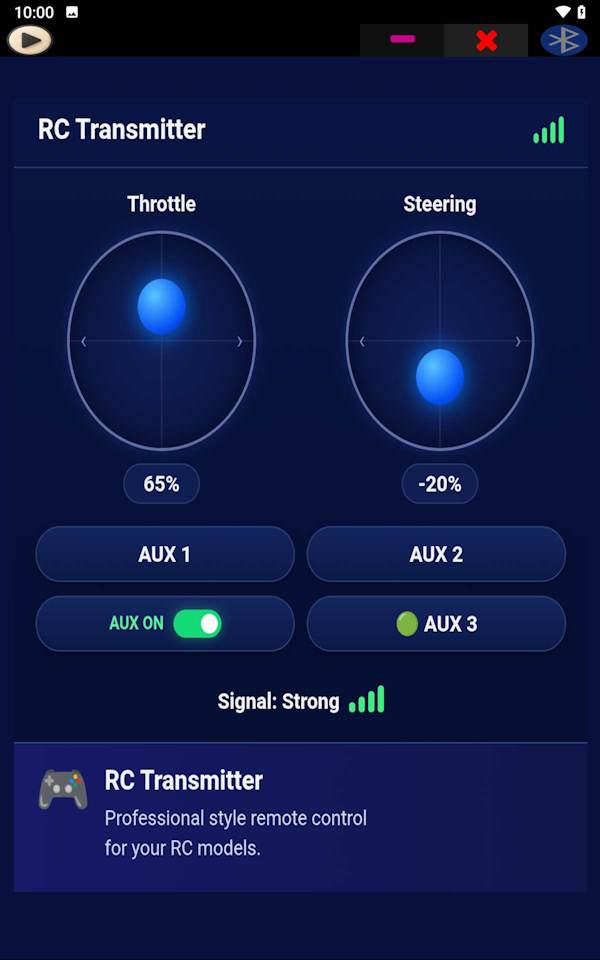
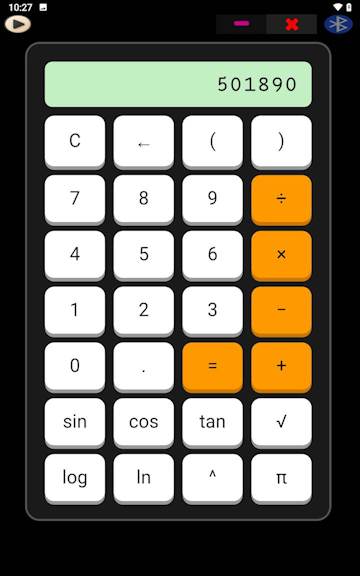
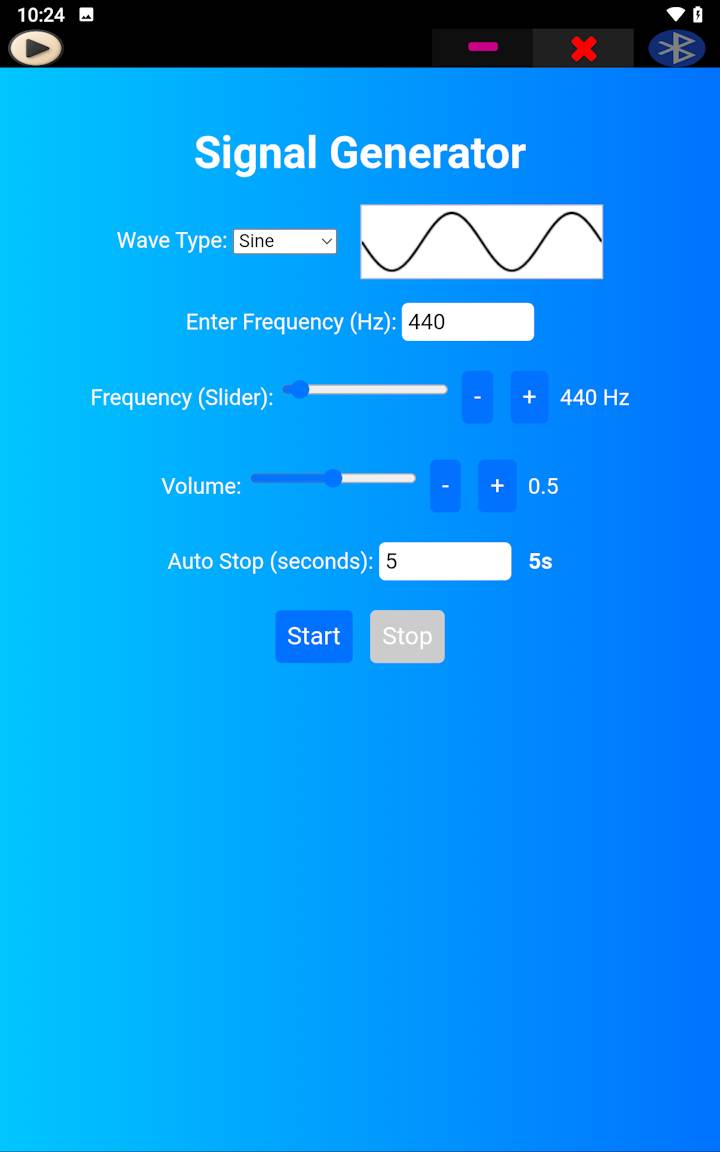
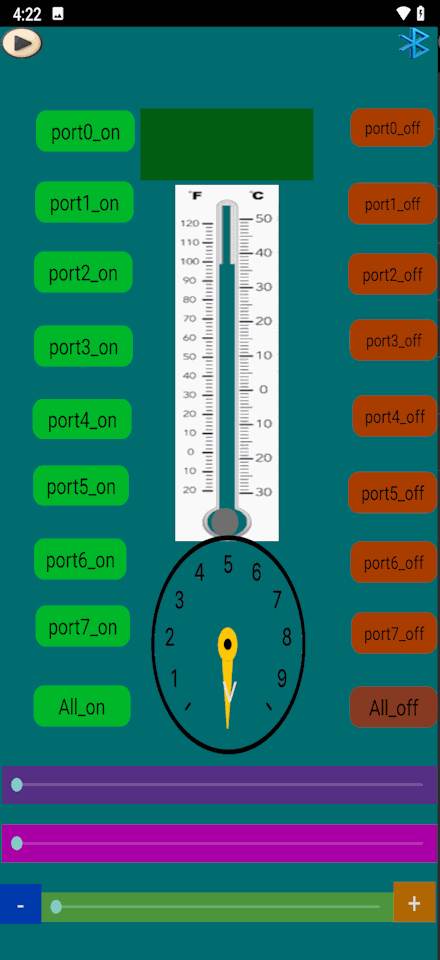
Projects can range from simple LED controllers and robot interfaces to industrial dashboards, environmental monitoring systems, IoT control panels and embedded data visualization tools.

Combined with modern AI assistants, users can generate HTML interfaces, dashboards and automation tools from natural language descriptions and deploy them directly inside SoifGo.

What can you build with SoifGo?

🎨

Custom HTML Interface

Build any interface with HTML, CSS, and JavaScript — then connect it to Bluetooth, MQTT, and phone sensors. The complete guide covers everything: sending and receiving Bluetooth data, publishing and subscribing to MQTT topics, reading phone sensors, and running your custom UI inside SoifGo's WebView.

Open the complete guide →

Where do you want to start?

Top Examples & Tutorials

SoifGo Ecosystem

Frequently Asked Questions

Is SoifGo free?

Yes, SoifGo is completely free. No hidden fees or in-app purchases.

Does SoifGo work offline?

Yes. Bluetooth and phone-sensor features work completely offline. Only MQTT and HTTP require an internet connection.

Which hardware does SoifGo support?

Any device using Bluetooth SPP (HC-05, HC-06), MQTT, or HTTP REST APIs. This includes Arduino, ESP32, ESP8266, Raspberry Pi, and more.

What can I actually do inside the WebView?

You can send and receive Bluetooth data, read phone sensors (light, motion, magnetometer), use the microphone and speech recognition in more languages, connect to MQTT brokers, call HTTP APIs, store data with localStorage, and use native alert/confirm/prompt dialogs. On top of that, the WebView itself is a full modern browser engine — so Canvas 2D, WebGL 3D, SVG, Web Audio, Gamepad, Web Workers, and any JavaScript library (Chart.js, Three.js, D3.js, TensorFlow.js…) all work out of the box.

Is SoifGo safe to install?

Yes. The APK has been scanned by 65+ antivirus engines on VirusTotal with zero threats detected. View the report.

How do I get started with SoifGo?

Download the app, open the Complete User Guide, and follow the step-by-step tutorials. No programming knowledge is required for basic use.

Are there ready-to-use examples?

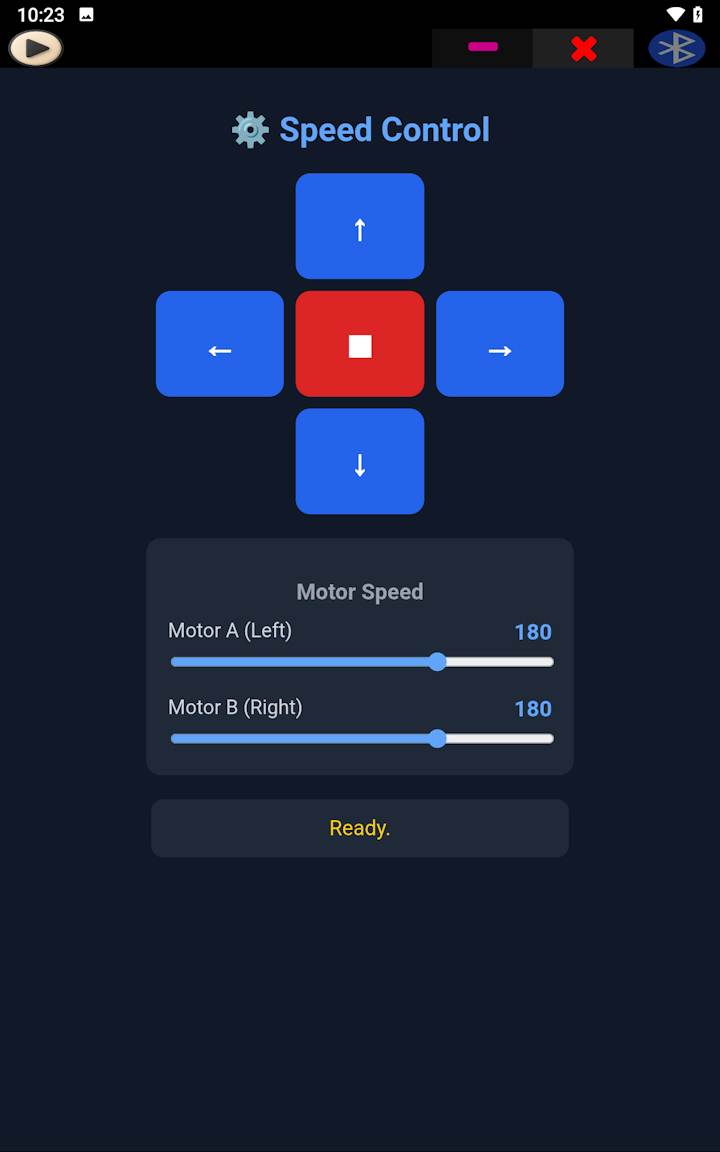
Yes. The Speed Control example shows how to control two DC motors independently over Bluetooth, using a TDA7073A motor driver and software PWM on an Arduino Uno. For the full bridge API, see the HTML + Bluetooth + MQTT + Sensors guide.

Where can I ask questions or report issues?

You can contact support at ssmqqmss@gmail.com.

Developer and AI Resources

🤖 Quick AI Bridge Reference & Real-World Examples (Do NOT Guess Sub Names)

SoifGo WebView bridge specifications with exact code calls and real-world scenarios:

  • Bridge Syntax:
    - Function: window.soifgo.CallSub('subName', true, arg1, arg2, arg3)
    - Rule: Always wrap with if (window.soifgo), max 3 arguments after true.
  • Argument count: exactly what each Sub defines
    Every call is CallSub('SubName', true, ...). After true, pass exactly as many arguments as the Sub has parameters (0 to 3, see the table at the top of this page). If one of those values is empty, pass '' for it. Do not add extra arguments to fill the count, and do not leave out a required argument.

    Correct examples (0, 1, 2 and 3 arguments):
    // 0 arguments
    window.soifgo.CallSub('sensor_light', true);
    
    // 1 argument
    window.soifgo.CallSub('html_bluetooth_rx', true, 'ON');
    
    // 2 arguments
    window.soifgo.CallSub('api_recive', true, 'https://api.example.com/price', 'Price');
    
    // 3 arguments
    window.soifgo.CallSub('mqtt_publish', true, 'soifgo/led', 'ON', '0');

    Why: the bridge matches the call to the Sub's parameters. Bluetooth sending takes 1 argument, so a call with 3 arguments (or without true) does not match.
  • Bluetooth — Send & Receive (both directions together):
    ⚠️ Warning: the names look swapped. The send Sub is html_bluetooth_rx; the receive callback is html_bluetooth_tx. Do NOT guess — copy them exactly.

    - Send: html_bluetooth_rx, exactly 1 argument after true (txt).
    - Receive: you define html_bluetooth_tx(data) and register it on window.

    Complete script (paste as-is; both directions covered):
    function send(txt) {
      if (window.soifgo) {
        window.soifgo.CallSub('html_bluetooth_rx', true, txt);
      } else {
        document.getElementById('status').textContent = 'Not running inside SoifGo';
      }
    }
    
    function html_bluetooth_tx(data) {
      document.getElementById('status').textContent = data;
    }
    window.html_bluetooth_tx = html_bluetooth_tx;
    
    window.onload = function () {
      if (window.soifgo) {
        // window.soifgo.CallSub('sensor_light', true);
        // window.soifgo.CallSub('sensor_move', true);
        // window.soifgo.CallSub('sensor_magno', true);
        // window.soifgo.CallSub('request_mic_perm', true, null);
      }
    };

    Real-World Use: send ON to Arduino to toggle a relay (SoifGo adds the line ending itself); receive A0=512 sensor lines from the microcontroller.
  • Phone Sensors (Independent Activation):
    - Rule: All sensors are completely independent. Activate only the specific sensor you need; there is no need to turn on the others if unused.
    - Activation Subs, each with 0 arguments after true: sensor_light, sensor_move, sensor_magno (example: CallSub('sensor_light', true))

    Complete script (paste as-is; call only the sensors you use):
    function html_sensor_light(data) { document.getElementById('light').textContent  = 'Light: '   + data; }
    function html_sensor_movex(data) { document.getElementById('movex').textContent  = 'Move X: '  + data; }
    function html_sensor_movey(data) { document.getElementById('movey').textContent  = 'Move Y: '  + data; }
    function html_sensor_magno(data) { document.getElementById('magno').textContent  = 'Magneto: ' + data; }
    
    window.html_sensor_light = html_sensor_light;
    window.html_sensor_movex = html_sensor_movex;
    window.html_sensor_movey = html_sensor_movey;
    window.html_sensor_magno = html_sensor_magno;
    
    window.onload = function () {
      if (window.soifgo) {
        window.soifgo.CallSub('sensor_light', true);
        window.soifgo.CallSub('sensor_move',  true);
        window.soifgo.CallSub('sensor_magno', true);
      } else {
        document.getElementById('info').textContent = 'Not running inside SoifGo';
      }
    };

    ⚠️ Warning: The magnetometer (html_sensor_magno) delivers one single value as a string — never destructure it into x/y/z, never use data.x. Accelerometer Z is not forwarded.
    Real-World Use: activate sensor_magno to measure AC current with the phone's magnetometer (clamp meter).
  • MQTT (connect, publish, receive, status):
    - Two-step connect: Step 1 connecte_mqtt_ai (2 arguments: address, id) & Step 2 (optional auth) connecte_mqtt_up (2 arguments: username, password)
    - Publish: mqtt_publish (3 arguments: topic, message, qos). It also auto-subscribes you to that topic and works only while MQTT is connected.
    - Retained option: mqtt_retained (1 argument: 1 = ON, 0 = OFF); call it before mqtt_publish.
    - Other Subs, each with 0 arguments after true: mqtt_status, mqtt_Disconnect.

    Complete script (paste as-is):
    function mqttConnect() {
      if (!window.soifgo) return;
      window.soifgo.CallSub('connecte_mqtt_ai', true, 'tcp://test.mosquitto.org:1883', 'client_1');
    }
    
    function mqttSend(topic, msg, qos) {
      if (!window.soifgo) return;
      window.soifgo.CallSub('mqtt_publish', true, topic, msg, qos || '0');
    }
    
    function mqttCheck() { if (window.soifgo) window.soifgo.CallSub('mqtt_status', true); }
    function mqttBye()   { if (window.soifgo) window.soifgo.CallSub('mqtt_Disconnect', true); }
    
    function mqtt_rx(topic, message) {
      document.getElementById('log').innerHTML +=
        '
    RX ' + topic + ' : ' + message + '
    '; } window.mqtt_rx = mqtt_rx; function html_mqtt_status(connected) { var ok = (connected === 'true'); document.getElementById('status').textContent = ok ? 'Connected' : 'Disconnected'; } window.html_mqtt_status = html_mqtt_status;

    ⚠️ Warning: html_mqtt_status receives a string ('true' / 'false'). The string 'false' is truthy in JS — always compare with === 'true'.
    Real-World Use: connect to brokers like tcp://test.mosquitto.org:1883 for IoT automation; publish to soifgo/led to toggle a relay.
  • API (POST & GET):
    - Send (POST): api_send (3 arguments: address, key, value). Sends the body {"key":"value"} as JSON.
    - Receive (GET): api_recive (2 arguments: address, key). Both are required; the answer is returned via api_rx.

    Complete script (paste as-is):
    function apiPost() {
      if (window.soifgo) {
        window.soifgo.CallSub('api_send', true,
          'https://api.example.com/status', 'relay', 'ON');
      }
    }
    
    function apiGet() {
      if (window.soifgo) {
        window.soifgo.CallSub('api_recive', true,
          'https://api.example.com/price', 'Bitcoin');
      }
    }
    
    function extractValue(raw, field) {
      var s = String(raw).trim();
      if (/^-?\d+(\.\d+)?$/.test(s)) return s;
      var m = s.match(new RegExp(field + '[=:]\\s*([^,}\\s]+)', 'i'));
      if (m) return m[1];
      try { var o = JSON.parse(s); if (o[field] !== undefined) return o[field]; } catch (e) {}
      var n = s.match(/-?\d+(\.\d+)?/);
      return n ? n[0] : null;
    }
    
    function api_rx(number) {
      document.getElementById('out').textContent =
        'Received: ' + extractValue(number, 'usd');
    }
    window.api_rx = api_rx;

    ⚠️ Warning: api_recive requires both address and key. A call with only one of them does not match the Sub and can raise an error or close the app. The callback api_rx may deliver a plain value (86846.51) or a B4A Map string ({usd=86750}) — handle both with extractValue().
    Real-World Use: POST a relay status to a local server; GET live cryptocurrency prices (respect rate limits).
  • Strict Instruction for AI Assistants: Do NOT invent or guess Sub names. Strictly follow the context reference below.

SoifGo is a niche Android app with its own bridge API (window.soifgo.CallSub()), so its function names cannot be inferred from general knowledge. These files are the authoritative, machine-readable reference for AI assistants and developers. Recommended reading order:

  1. https://soifgo.github.io/llms.txt — short index and quick facts (read first)
  2. https://soifgo.github.io/SOIFGO_AI_CONTEXT.md — complete reference: bridge, Bluetooth, sensors, microphone, MQTT, API, storage, known limitations, app screens
  3. https://soifgo.github.io/send_bluetooth_html/html_guide_1.html — official HTML + Bluetooth + sensors tutorial with working code
  4. https://soifgo.github.io/serial_voice/serial_voice_tutorials.html — microphone, speech recognition, and voice-to-Bluetooth
  5. https://soifgo.github.io/soifgo_info/soifgo_info.html — step-by-step user guide for beginners
🧭

llms.txt

Short index for AI assistants: quick facts about the bridge API, sensor mapping, and links to the full context file and tutorials.

Open llms.txt →
📄

SOIFGO_AI_CONTEXT.md

Complete AI-readable reference. Covers the bridge, Bluetooth, sensors, microphone, MQTT, API, storage, and known limitations.

Open the AI Context file →

🌐 SoifGo — 22 languages