Visit the following site that offers free crypto data:
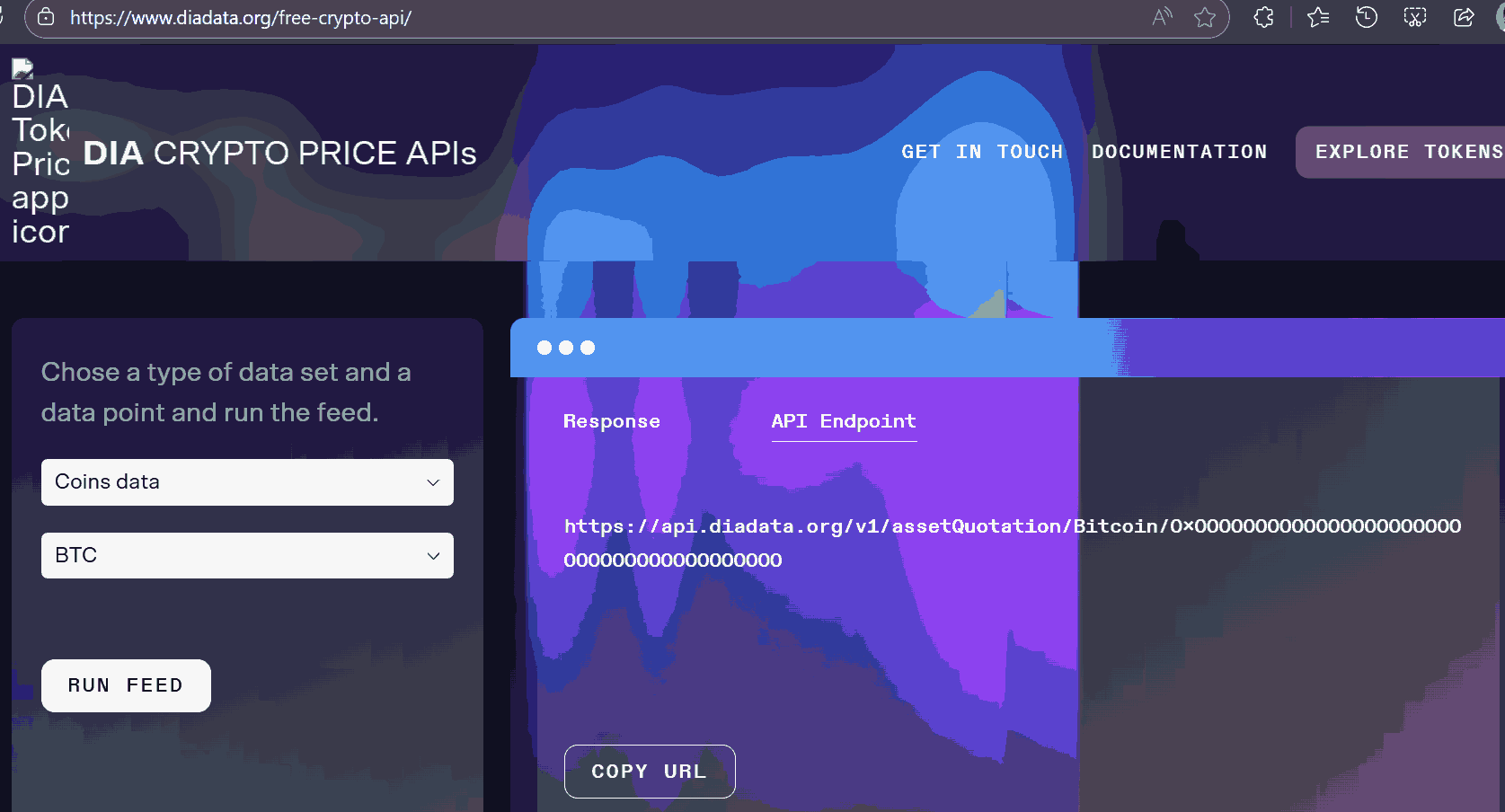
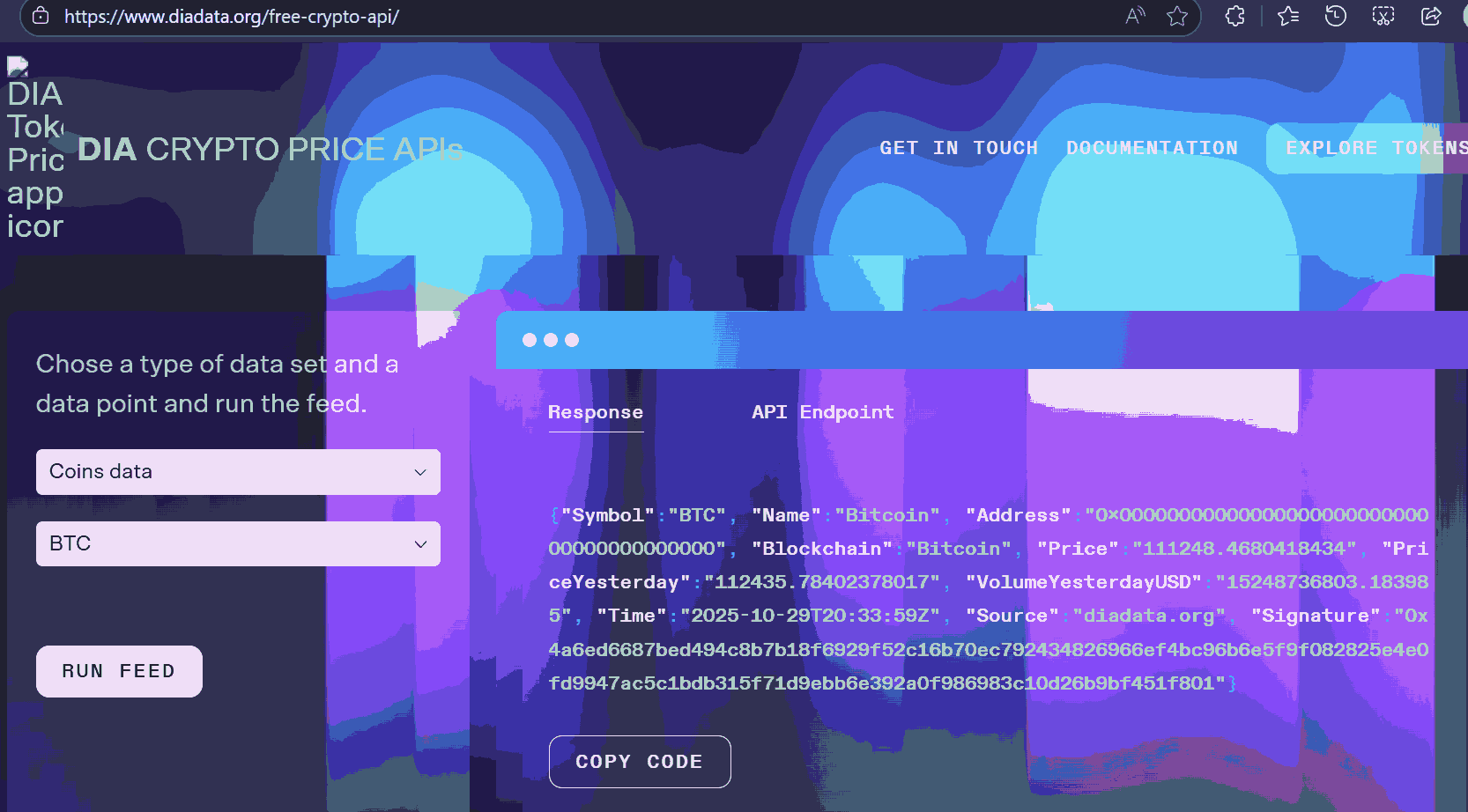
Select your desired coin (e.g., BTC) and click RUN FEED.
The API endpoint and keys like Price will be shown on the right.
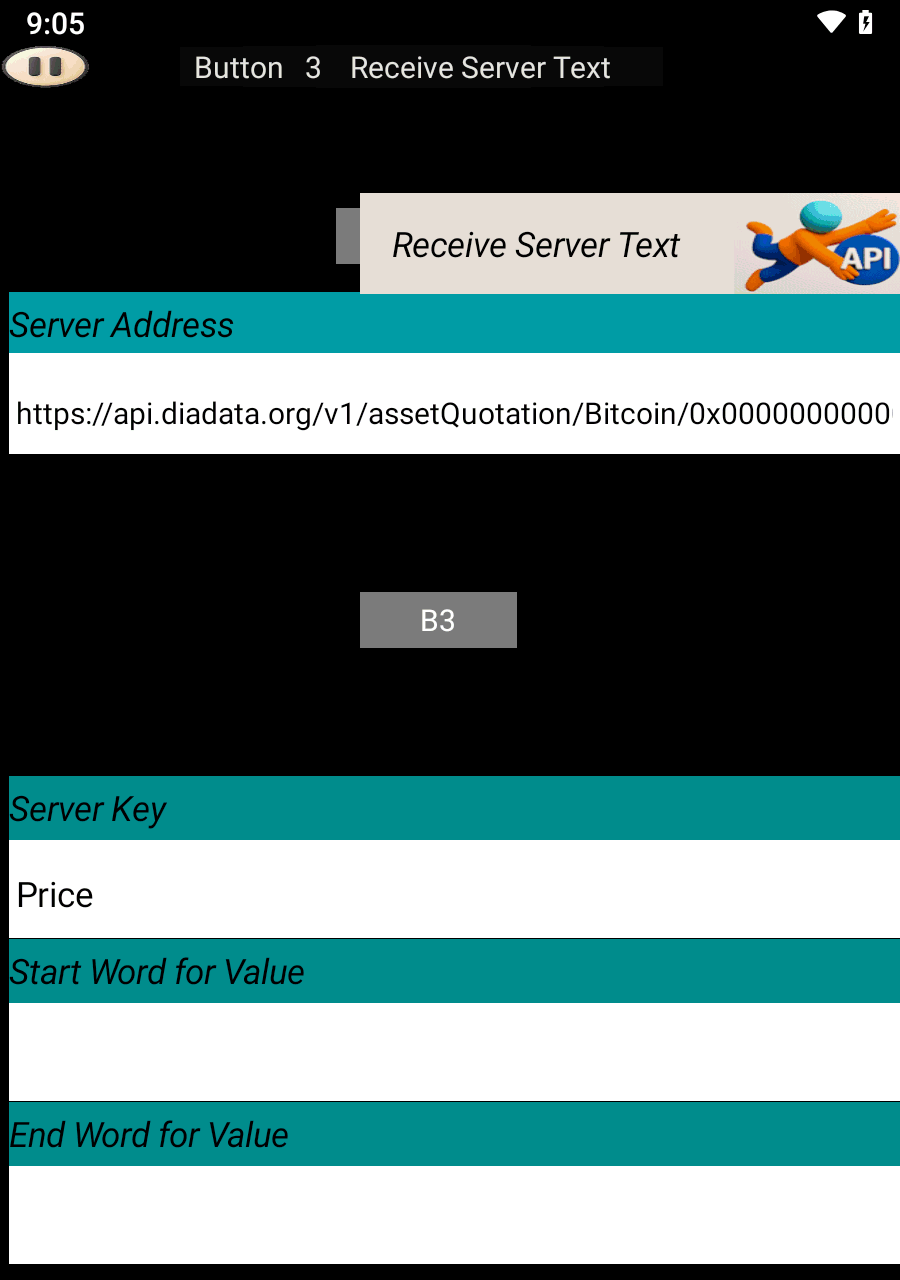
In SoifGo, create a button and set its behavior to Receive Server Text.
Paste the API address into the Server Address field:
https://api.diadata.org/v1/assetQuotation/Bitcoin/0x0000000000000000000000000000000000000000Set the Server Key to Price or any other key you want to extract.
If the value is embedded in a long string like
temp12_Abc, use filters:
temp_AbcThis will extract only 12 and hide the rest.
To trigger visual effects, set button behavior to Receive Server Value.
Define a Maximum Value and configure effects in the menu.
For more on effects, visit:
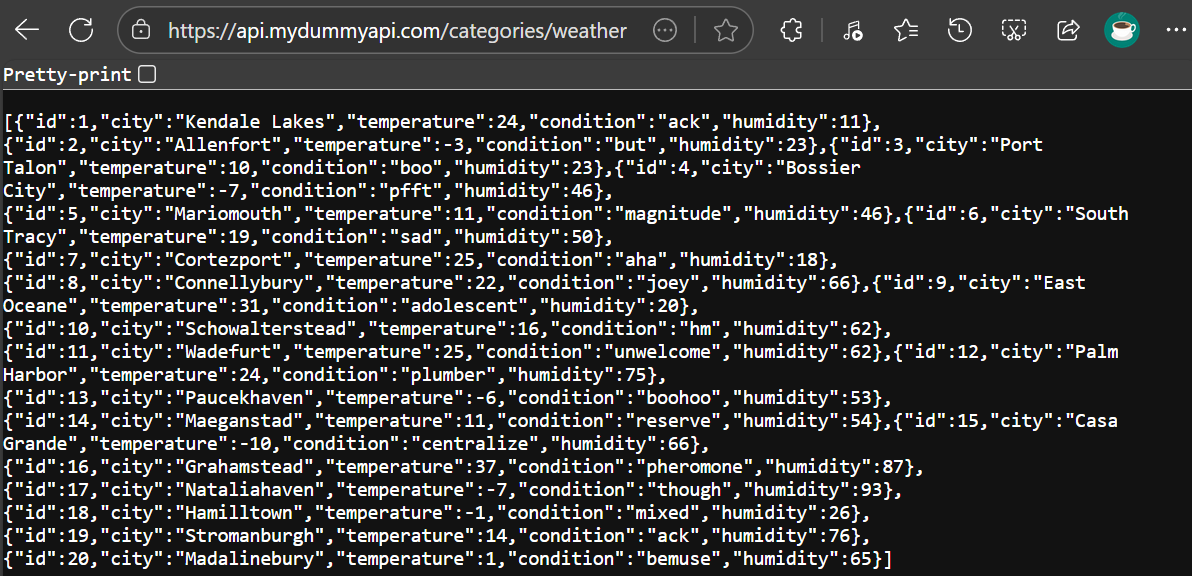
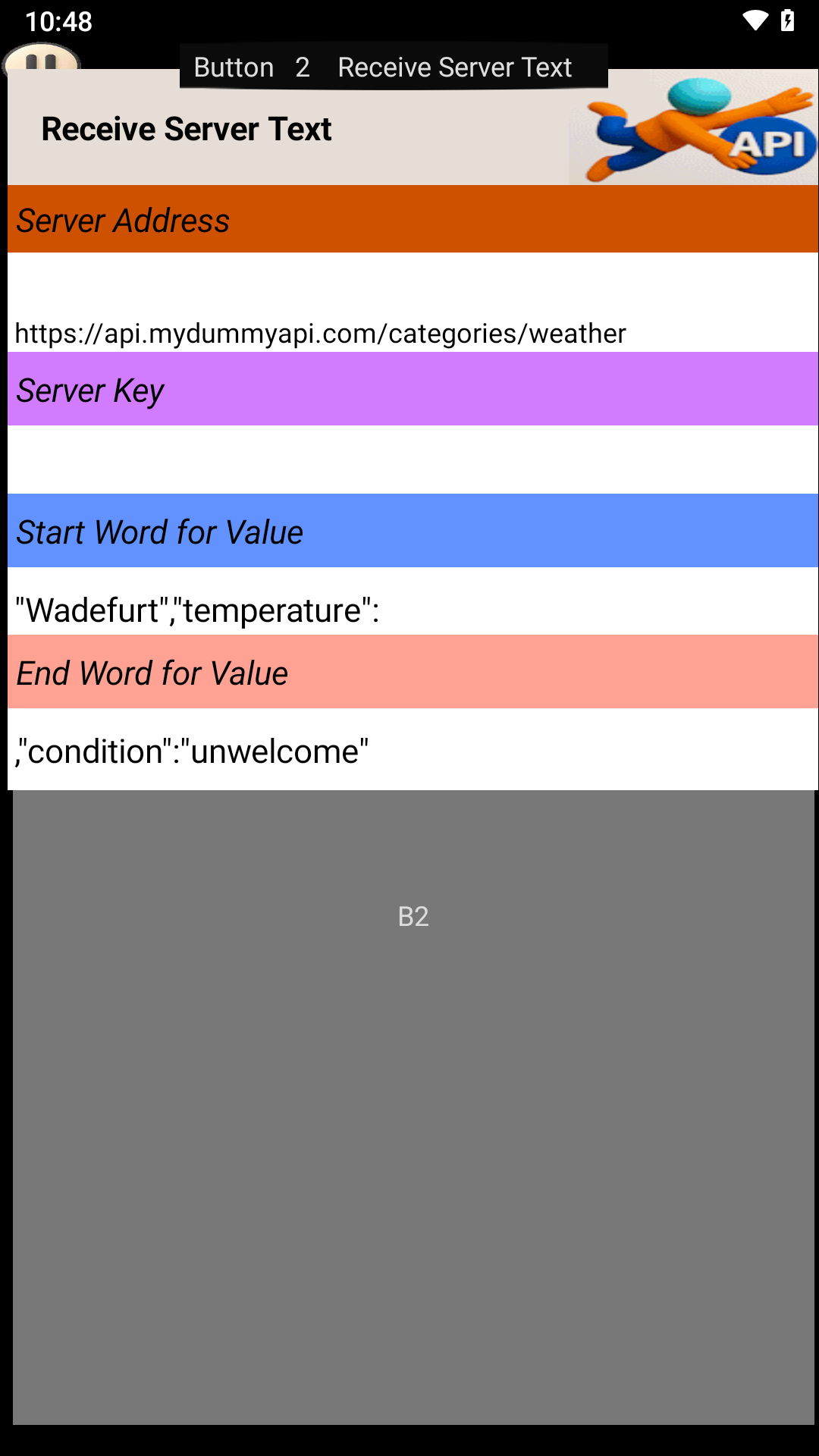
If extracting an API key does not work due to malformed data, simply leave the key field empty to receive the entire dataset. Then, specify the word or phrase that comes before and after the desired value. The system will filter the data between those markers and display the extracted result